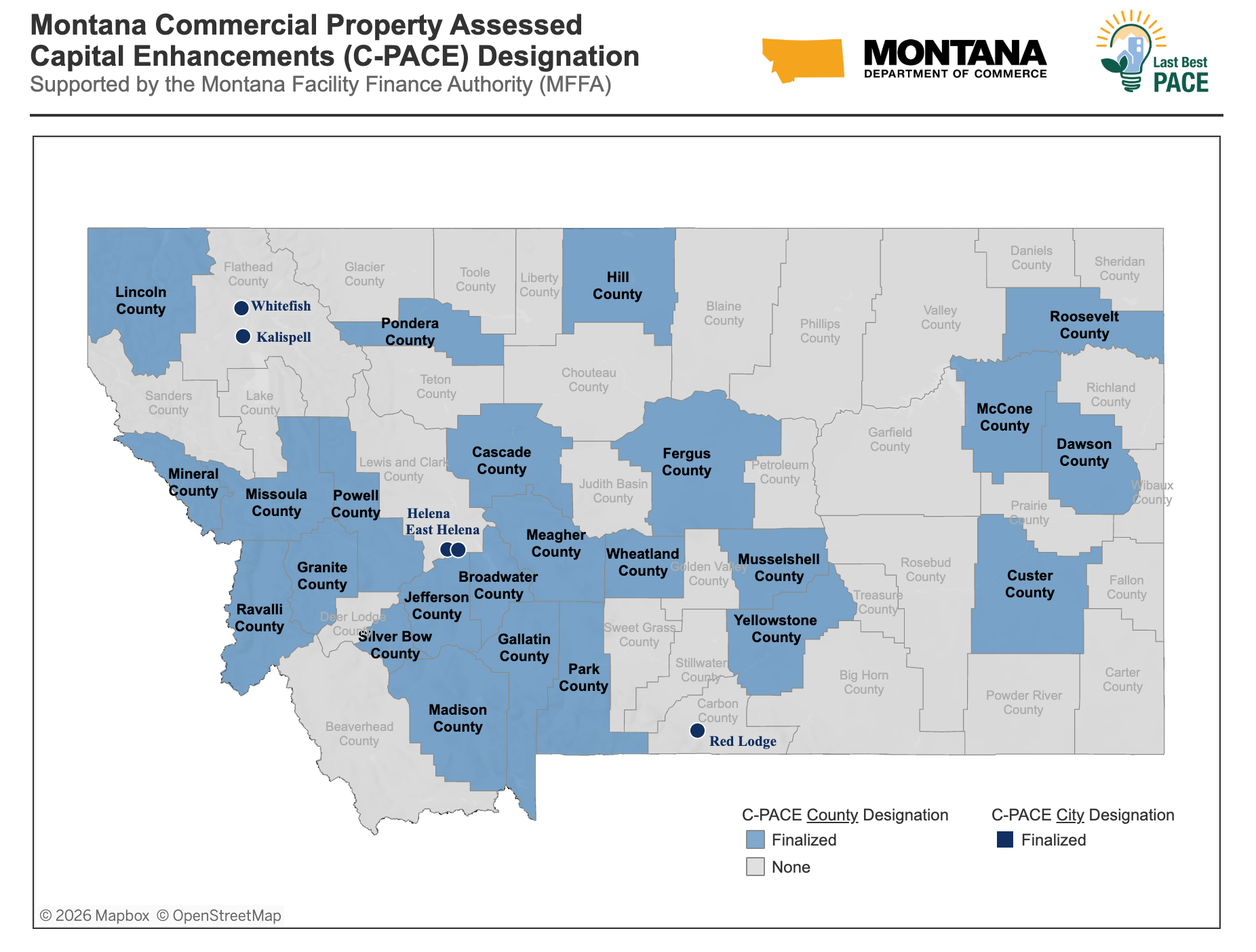

To export this information:
- Click on “Montana C-PACE Designation Map” below and locate the blue bar at the bottom of your screen.
- Click the download icon, the third button from the right.
- Select Image, Crosstab, PDF or PowerPoint.
- Image: A PNG of the current view will be downloaded.
- Crosstab: A “Download Crosstab” popup will appear. Select Excel or CSV and click Download.
- PDF: A “Download PDF” popup will appear. Select the desired settings and click Download.
- PowerPoint: A “Download PowerPoint” popup will appear. Select the desired settings and click Download.
If you have further questions or need more information, please contact us.
For optimal functionality, view the map on a desktop computer or landscape view on a mobile device.